
Build the city around one visible progression target
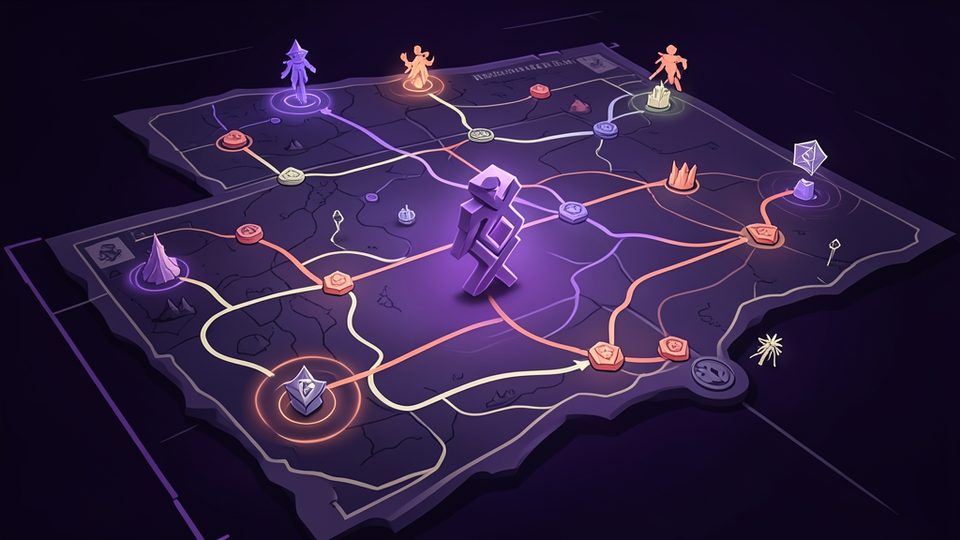
Total Battle connects city buildings, research, troop training, and world-map activity, so a beginner should choose one visible target before upgrading everything. The TBattle.Wiki getting-started page describes the city as the foundation and identifies the Capitol, research, and first-army systems as core topics. The independent first-week guide similarly explains that the Capitol opens capacity, the Academy runs research, the Barracks trains troops, and the Warehouse protects part of the stored economy. Use the labels and requirements displayed in the current client to identify which one blocks the next target, because exact levels and costs can change.
A simple early loop is to inspect the next Capitol requirement, keep the Academy working on a relevant research goal, and train only the troops needed for the next documented activity. Upgrade prerequisite buildings when the client requires them rather than spreading materials across every available structure. Before using speedups, check whether the task can receive clan help and whether another queue is the real bottleneck. Record the resource cost and completion benefit for one upgrade at a time. This makes might growth a result of useful capacity and research instead of a number chased through unrelated construction.
- Name one unlock or activity before opening upgrade menus.
- Keep research tied to the current economy or troop bottleneck.
- Check prerequisites and clan help before using speedups.
Use the world map to supply the next city decision
The BlueStacks starter guide describes several world-map loops: attacking non-player enemies, collecting at gathering points, exploring crypts with available champions, and visiting arenas for materials. Do not run all of these only because they are visible. Start with the resource or material required by the current building, research, or troop goal, choose the activity that supplies it, and check the march details before sending units. Event rules, available champions, and loss recovery can change, so the live client should decide whether an older recommendation remains practical for the current account.
Protect the economy from idle queues. Before ending a session, check whether the Academy, construction, troop training, and eligible marches are doing useful work. Keep enough resources for the named next step instead of spending every balance merely to increase might. If a guide recommends a specific resource or activity, compare it with the requirement displayed on your account. A world-map action is useful when it removes a known bottleneck; otherwise it may consume troops, time, or recovery resources without moving the plan forward. This distinction is more reliable than promising one universal fastest route.
- Match each march to a resource or material the current target requires.
- Read live event and recovery rules before risking troops.
- End sessions with useful queues rather than unrelated upgrades.
Assign heroes and captains by the activity shown in game
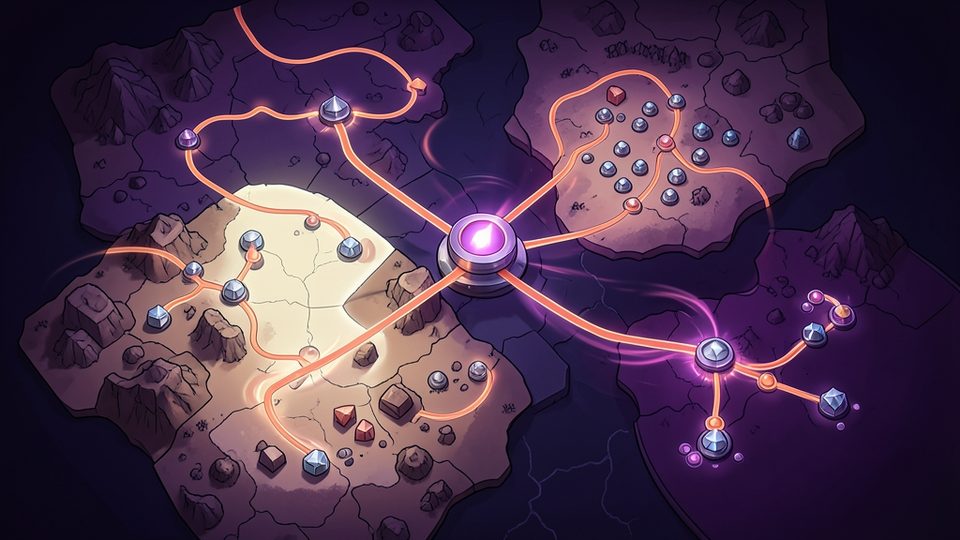
There is no evidence-supported single best hero for every Total Battle activity. The TBattle.Wiki captains overview explains that captains can lead marches and provide different bonuses for combat, gathering, research, construction, training, or crypt-related work. Begin by naming the activity, then compare the bonuses shown on the captains available to your account. A gathering march and a combat march solve different problems, so they should not automatically use the same leader. Treat any tier list as a starting hypothesis and verify the current talent, equipment, and bonus wording before investing scarce materials.
Keep a small assignment note for repeated tasks. Record which leader is used for gathering, monster activity, crypt exploration, training, or the main combat march, and change one assignment at a time. The current client determines which captains are unlocked and what their bonuses do; an external page cannot guarantee availability or strength for every account. This role-first method also avoids the unsupported absolute claims in the previous version of this guide. If two candidates appear suitable, compare the exact displayed bonus for the intended activity rather than choosing solely from a name or generalized ranking.
- Choose the activity before comparing a hero or captain bonus.
- Verify current talents, equipment, and unlock status in the client.
- Test one leadership assignment at a time and record the result.
Evidence [4]
Protect resources before considering player-versus-player combat
Player-versus-player action can expose troops and resources, so preparation should come before targets. The first-week guide advises checking the kingdom's rules of engagement and protecting the account before logging off; it also notes that the Warehouse protects only part of stored resources. Read the current kingdom or clan rules in the live game, inspect the amount shown as protected, and decide what will happen to resources above that limit. Do not copy a battle recommendation from another kingdom without checking whether its local rules, event state, and protection conditions match your own.
Before sending a combat march, confirm the target type, march composition, leader bonuses, travel time, expected objective, and recovery plan. Ask a clan officer when local rules or event scoring are unclear. Keep only the resources and troops needed for the stated objective, and cancel the action if the displayed risk differs from the plan. This guide does not promise a safe universal formation or recommend attacking another player for might alone. A useful PvP decision explains the goal, the applicable rule, and the cost the account can absorb before the march leaves.
- Read current kingdom and clan rules before any player-versus-player action.
- Compare stored resources with the protection amount shown in game.
- Define the objective and recovery plan before sending a combat march.
Review a short daily checklist instead of chasing raw might
Start each session by collecting completed work and checking the named progression target. Review construction, Academy research, troop training, available clan help, world-map marches, and event conditions. Spend resources only when the next action supports the target or prevents a queue from sitting idle. Might can reflect many upgrades, but a larger number does not by itself explain whether the city can complete the desired activity. Track the specific capacity, research benefit, troop role, or resource reserve gained from each important decision.
End with an evidence and version check. Compare any costly recommendation with at least two reachable sources when possible, then confirm the live cost, timer, bonus, and protection rule. The linked guides are independent resources and may age at different rates, so their job is to explain systems and possible routines rather than replace the current client. If sources conflict, describe the uncertainty and postpone an irreversible spend. This leaves a clear review trail for a human editor and helps the player distinguish documented mechanics, community advice, and account-specific choices.
- Review all major queues before spending another resource balance.
- Measure useful capacity and research progress, not only raw might.
- Confirm live costs and rules before an irreversible decision.
Frequently asked questions
What should Total Battle beginners upgrade first?
Choose the next visible unlock or activity, inspect its current prerequisites, and upgrade the building or research that blocks it. Keep the Academy active, check Capitol requirements, and avoid distributing scarce resources across unrelated structures.
How can beginners gain useful might in Total Battle?
Treat might as a result of useful city capacity, research, and troops rather than the only goal. Complete upgrades that serve a named activity, use world-map tasks to supply those requirements, and verify current costs and recovery rules before committing resources.
What is the best hero or captain in Total Battle?
No single leader is best for every task. Choose the activity first, compare the current bonuses of leaders available to the account, and assign different captains to gathering, crypt, training, construction, or combat work when their displayed roles support it.
Sources and update notes
- 01Beginner's Tips and Tricks for Total Battle - BlueStacks
- 02Getting Started with Total Battle - TBattle.Wiki
- 03Total Battle Beginner's Guide: Your First Week
- 04Total Battle Captains Overview - TBattle.Wiki
Game names and trademarks belong to their respective owners. 9GGM is not affiliated with game publishers unless explicitly stated.