Choose a civilization and build around the next unlock
Your first civilization changes early bonuses, the special unit you can train later, and the epic commander you begin with. The current BlueStacks beginner guide presents China as a popular opening choice because it lists a building-speed bonus and Sun Tzu as the starting commander. Treat that as a starting comparison, not a permanent verdict: read the bonuses shown in your current game client and choose the civilization that supports how often you build, train, or spend Action Points. Version-sensitive values can change, so the in-game civilization screen should remain the final authority.
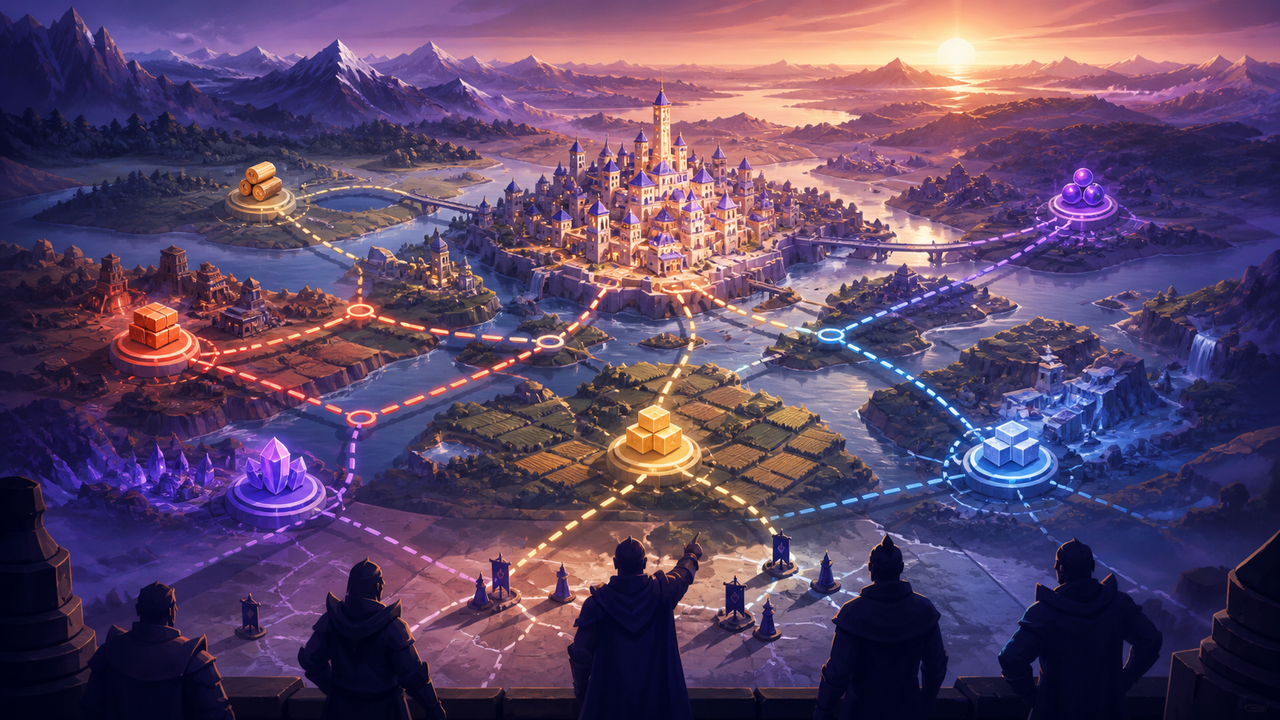
After the opening choice, use City Hall requirements as a planning checklist. City Hall upgrades unlock buildings and features, but each level can require supporting structures, resources, and time. Keep one builder on the current prerequisite while the other works on a short upgrade that does not delay the main path. The Academy deserves similar attention: the cited beginner guide recommends economic research before shifting toward military technologies once resource production is stable. This creates a practical loop of gathering, prerequisite upgrades, City Hall progress, and research instead of upgrading every available building evenly.
- Compare the civilization bonuses displayed in the current client before confirming.
- Open the next City Hall requirement and work backward through its prerequisites.
- Prioritize economic research until resource flow can support regular upgrades.
Evidence [3]
Level a small commander roster with a defined job
Commander experience is easier to manage when every investment has a job. The cited commander-leveling guide lists Tomes of Knowledge, barbarians, forts, guardians, and events as experience sources, while the BlueStacks guide separates gathering, peacekeeping, and combat roles. Pick one primary development target for the activity you actually play, then direct experience and role-appropriate rewards toward that commander. Spreading the same materials across many commanders can leave every march below the level needed for its intended task, so review your roster before using a universal resource.
Use routine activities to match the commander's role. Peacekeeping commanders can lead barbarian or fort work, gathering commanders support resource collection, and combat commanders should be developed for the troop type and activity you plan to field. An active alliance also matters because rallies create opportunities to fight forts and alliance help can reduce building and research timers. Before spending sculptures or raising stars, inspect the commander's current skills and the next unlock in the live client. This keeps version-sensitive skill decisions tied to visible information rather than an old tier list.
- Assign each developed commander a specific activity and troop role.
- Use routine barbarian, fort, guardian, event, or Tome experience deliberately.
- Check current skills before spending universal sculptures or Starlight Sculptures.
Match the primary commander's talent tree to the activity

A talent tree is not a universal ranking; it is a plan for one commander's job. The cited talent-build reference separates activities such as barbarian farming, open-field fighting, and rallying, and it notes that only the primary commander's talents apply in a paired march. Start by naming the activity, troop type, and problem the march must solve. Then select talents that support that purpose instead of copying a screenshot designed for a different mode. Recheck the live talent descriptions because balance updates can change the value of individual nodes.
Commander pairing should add useful skills without pretending that both talent trees are active. Put the commander whose talents and troop capacity matter for the march in the primary position, then choose a secondary commander whose skills complement the same role. The BlueStacks beginner guide recommends strategic pairing for buffs and skill synergy, but the exact pairing depends on the commanders and upgrades available in your account. Test one change at a time in repeatable PvE content before committing scarce materials, and record which activity the pairing is meant to handle.
- Name the march activity before selecting a talent path.
- Build the primary commander's talents for that activity and troop type.
- Choose a secondary commander for complementary skills, not a second talent tree.
Increase power through useful capacity, not an isolated number
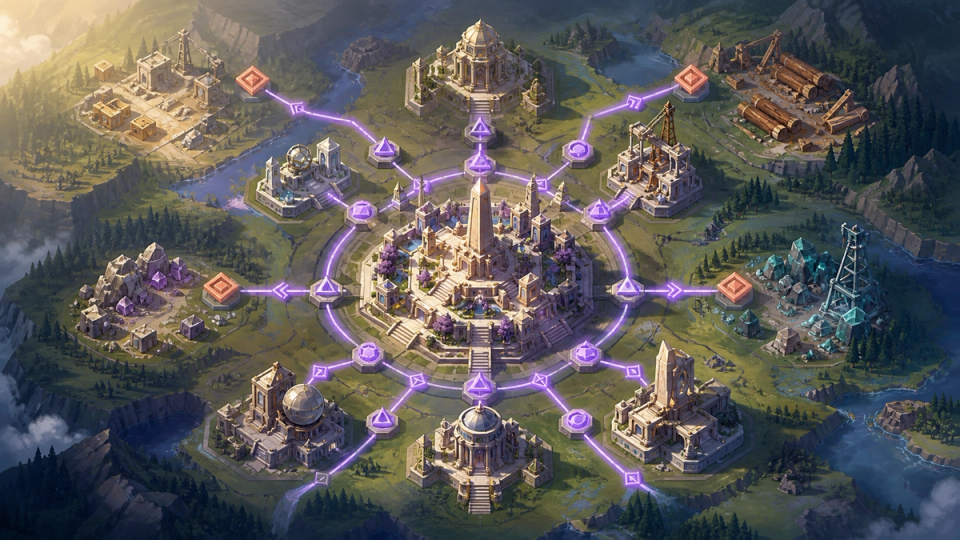
Power rises through several systems, including buildings, research, troops, and commander development, but a larger total is only useful when it removes a real constraint. If the next City Hall level is blocked, gather the required resources and finish its prerequisites. If marches are weak for the content you play, improve the relevant military research, troop training, and commander role instead. The cited power guide emphasizes sustained gathering, while the BlueStacks guide connects resource buildings and map gathering to upgrades, research, and troop training.
Action Points and alliance activity can turn routine play into account growth. The cited sources connect Action Points with barbarians and forts, which can provide experience and other progression rewards, and they describe alliance rallies and help as useful support. Spend naturally regenerating resources when they would otherwise sit capped, but keep potions and speedups tied to a defined goal rather than using them only to raise the visible number quickly. This approach makes each increase support construction, research, commander development, or the activity you intend to play next.
- Identify the current bottleneck before choosing a power upgrade.
- Keep gatherers active so buildings, research, and training have resources.
- Use regenerating Action Points before the bar stays capped for long periods.
Use a short daily checklist and verify version-sensitive advice
A compact routine is more sustainable than trying to clear every notification. First, collect completed building and research results, then start the next City Hall prerequisite or Academy technology. Send idle marches to gather the resource that limits that project. Use available Action Points on an activity that also develops the commander you selected, and participate in an alliance rally when it supports the same objective. End the session by confirming that builders, research, training, and gathering queues are working toward a named milestone.
Before any irreversible spend, verify the claim in the current client and compare it with more than one linked source when possible. Civilization bonuses, commander skills, event rewards, and talent recommendations are especially sensitive to updates and account context. The linked guides provide planning ideas, but they are independent references rather than official patch notes. If the displayed requirement or skill text differs, follow the game client and postpone the purchase until the discrepancy is understood. That habit protects scarce resources and keeps this guide useful without claiming a single build is correct for every player.
- Start one building goal, one research goal, and one gathering goal.
- Connect Action Point spending to the commander currently being developed.
- Treat the current game client as final authority when a guide differs.
Frequently asked questions
How can a beginner gain power efficiently in Rise of Kingdoms?
Work on the bottleneck that unlocks useful capacity: City Hall prerequisites, economic and military research, troop training, gathering, or a defined commander role. Keep builders, research, training, gathering marches, and naturally regenerating Action Points active toward one named milestone.
How should I plan a Rise of Kingdoms talent tree and commander pairing?
Choose the activity and troop type first, then build the primary commander's talents for that job. Pair a secondary commander whose skills complement the same role; the cited talent reference says the secondary commander's talent tree does not apply, so verify the current client before investing materials.
What should free-to-play beginners save in Rise of Kingdoms?
Avoid spending universal sculptures, speedups, gems, or Action Point potions without a defined unlock or event goal. Use naturally regenerating resources before they remain capped, gather continuously, and confirm current skill, talent, and upgrade requirements in the game client before committing scarce items.
Sources and update notes
- 01Rise of Kingdoms Commander Leveling Guide
- 02Rise of Kingdoms Commander Talent Tree Builds
- 03A Beginner's Guide to Rise of Kingdoms 鈥?BlueStacks
- 04How to Increase Power in Rise of Kingdoms
Game names and trademarks belong to their respective owners. 9GGM is not affiliated with game publishers unless explicitly stated.